


Part 1 – The Basics
Introduction
Have you ever played a hidden object game? If you haven’t, it is a game where you have to find random objects hidden away on the gamescreen. These objects are carefully and smartly embedded into the screen so that it looks as if they are part of the background picture. I am hooked on these games. I can play them for hours and hours, non stop. With this article series, we’ll make our own hidden object game and I’ll describe all the logic involved with these types of games.
Getting / Designing the Pictures
Before we do any code, we need to know what pictures we will need. We’ll also need to know what the background of the game should look like. With all of these in place, we need to strategically hide all the pictures within the background. With this series, I have decided upon 20 pictures :
| Name | Picture |
|---|---|
| bird1.gif |  |
| bird2.gif |  |
| bird3.gif |  |
| bird4.gif |  |
| cellphone.gif |  |
| earring1.gif |  |
| earring2.gif |  |
| grapes.gif | 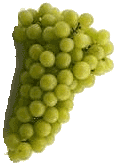 |
| key.gif |  |
| lion.gif |  |
| newspaper.gif |  |
| pencil.gif |  |
| rhino.gif | 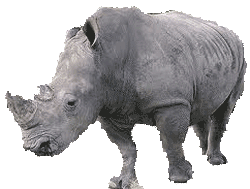 |
| shoe1.gif |  |
| shoe2.gif |  |
| toilet.gif |  |
| upsidedown.gif |  |
| violin.gif |  |
| wallet.gif |  |
| zeppelin.gif |  |
As you can see, these pictrues don’t have anything in common. They are random pictures that we will use inside our game. This is one of the tricks Hidden Object games use. They use unrelated pictures, which you might not expect, and you need to find them based on the cleverly constructed clues – which we’ll do a bit later. You may be wondering if you should draw these pictures yourself or what. Well, Yes, if you have the correct tools such as CorelDraw and PhotoShop, and obviously the talent to draw, then you can feel free to design them. In normal circumstances, a graphic designer should be involved – as is the case with these games. What I did, because of time restraints, was to draw only a few of the above pictures, the rest I found through Google Images. Keep in mind that the pictures may be copyrighted.
The last image needed for our game screen is the background:
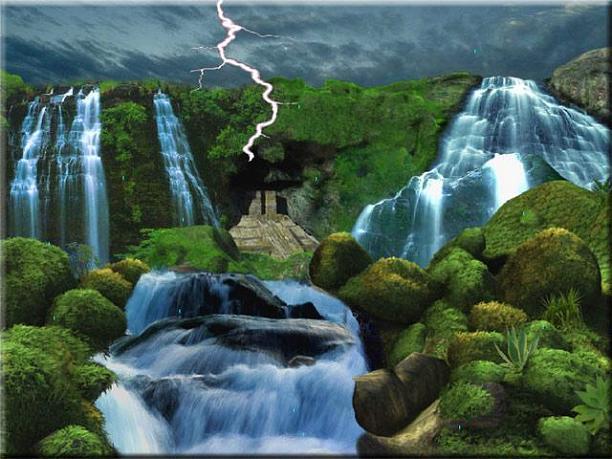
Figure 1 – Background
Objective
Once we have the pictures we have decided upon, we need to hide them away in the background. The game player should then find them based on our cryptic clues.