


GitHub recently added a new feature, known as the AI pair programmer, in a bid to take advantage of recent advances in artificial intelligence. AI is getting a lot of attention right now thanks to the popularity of AI tools like ChatGPT and Google’s Bard, as the Internet finds new ways to leverage the offerings of machine learning. In this developer tool highlight, we take a look at GitHub Copilot’s newest feature and learn how it can benefit programmers.
What is GitHub Copilot AI Pair Programmer?
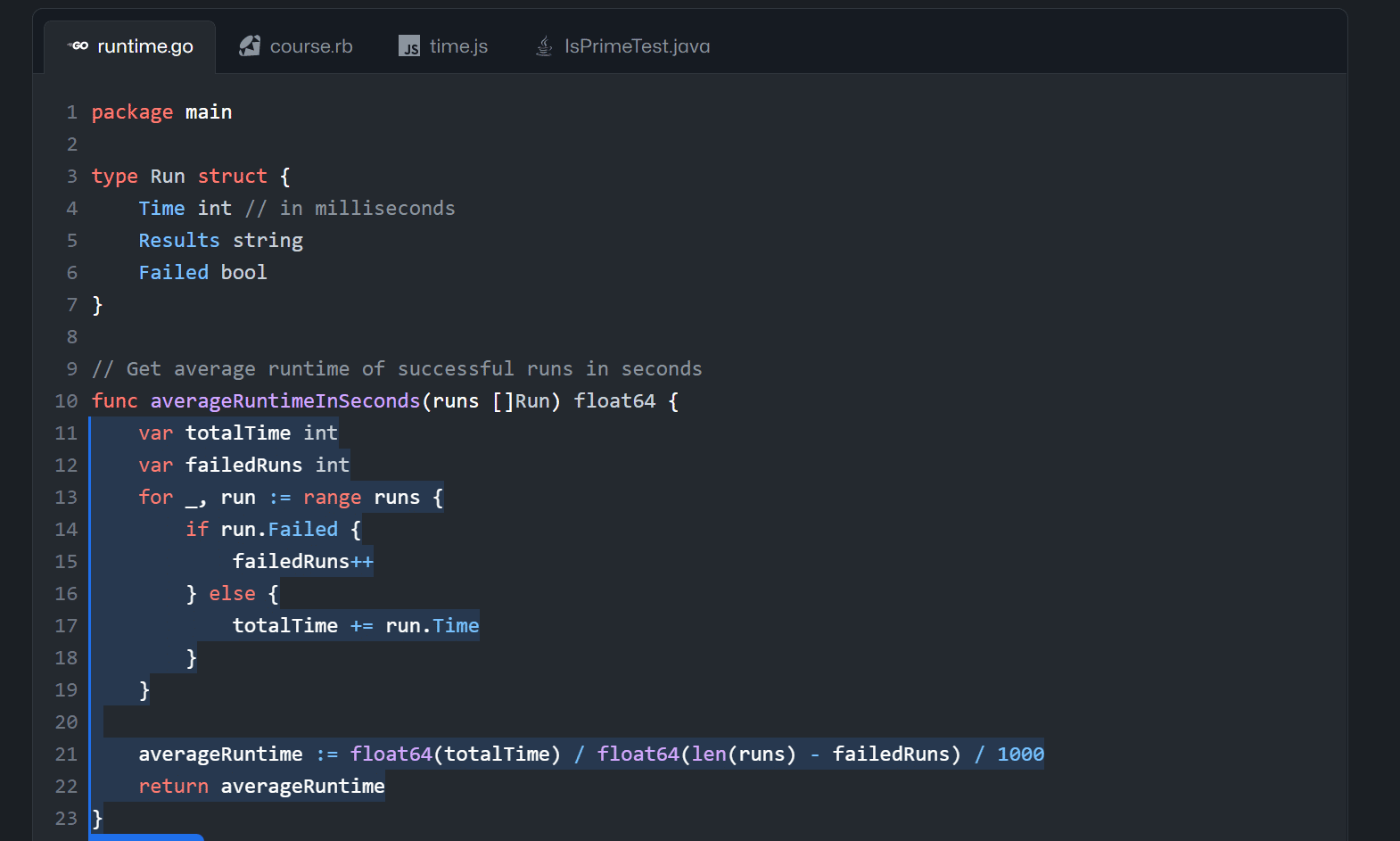
GitHub Copilot is an AI-powered integrated development environment (IDE) that uses machine learning and artificial intelligence to assist developers and software engineers write better, faster, and more intuitive code. Having the ability to “read” and understand the code and comments programmers type, GitHub Copilot determines the context of the code you enter and offers code suggestions as you type.
The code suggestions can be something as simple as a line of code or an entire function. GitHub Code is powered by the OpenAI Codex, which is a generative language model developed by OpenAI.
The code suggestions occur as the developer is typing – simply start entering a new line, adding a comment, or writing a natural language comment that describes what the code should do and GitHub Copilot will analyze the information and present suggestions right inside the editor. Suggestions are available for many of the top programming languages, including powerhouses like Python, JavaScript, C#, and C++ – to name but a few.
GitHub Copilot also integrates with other developer tools, IDEs, and code editors, including Visual Studio, VS Code, JetBrains IDEs, and Neovim.
With GitHub Copilot programmers can:
- Use the IDE platform that they are most comfortable with such as Neovim, Visual Studio, Visual Studio Code, and JetBrains.
- Get code suggestions through AI. These suggestions can match a project’s context and style conventions.
- Code in unfamiliar languages.
Read: Top Plugins for Visual Studio
Benefits of GitHub Copilot
GitHub Copilot has the additional added features:
-
- Reduced Distractions: Instead of searching for hours for a possible solution to a problem on the Internet, GitHub Copilot reduces the need for it by using its AI while developers are coding.
- Handle repetitive tasks: Sometimes a day in a developer’s life can be dull and mind numbing. GitHub Copilot handles repetitive tasks beautifully by completing most of these tasks while you work.
- Help developers document their code: The better code is documented, the better GitHub Copilot can help give suggestions and input.
You can learn more in our GitHub Copilot Overview.
GitHub Copilot Voice Commands
One of the newest experimental features of GitHub Copilot and its AI pair programming tool is the addition of “Voice Commands”. Developers can utter the phrase “Hey, GitHub!” to access voice-based interaction with GitHub Copilot.
You can use these voice commands to control the IDE in a number of ways. For instance, you can say “Go to line 27” to have the editor go to the 27th line of your code or “Run the program” to execute a program’s code.
To get quick access to the experimental features of GitHub Copilot, the technical preview, and its voice command features apply here.