


It seems that ordinary tasks get easier by the day. Life gets easier and the sad fact of it all is that people can tend to become a bit lazier because of it. Technology has become so important in our lives and we have become so dependent on technology. Now, let’s take it to the next level: AI. Artificial Intelligence is not just taking over ordinary people’s lives, but now, developers’ lives as well. This is where GitHub Copilot comes into play.
What is GitHub Copilot?
GitHub Copilot is an AI pair programmer that is powered by OpenAI Codex. GitHub Copilot enables developers to code faster and it draws context from the code you’re working on. It also suggests whole lines or entire functions that can be easily inserted into your code.
OpenAI Codex is a descendant of GPT-3 (Generative Pre-trained Transformer 3), a language model that makes use of deep learning to produce human-like text. The training data contains natural language (any language that has evolved naturally in humans through use and repetition) and billions of lines of source code from publicly available sources such as code in public GitHub repositories.
Read: Understanding GitHub and Visual Studio
How Do You Use GitHub Copilot in Visual Studio Code?
To make use of GitHub Copilot in Visual Studio Code, follow these easy steps:
- Open or Create a folder in Visual Studio Code. In this example, I have named mine Copilot_Ex
- Open the Extensions Flyout
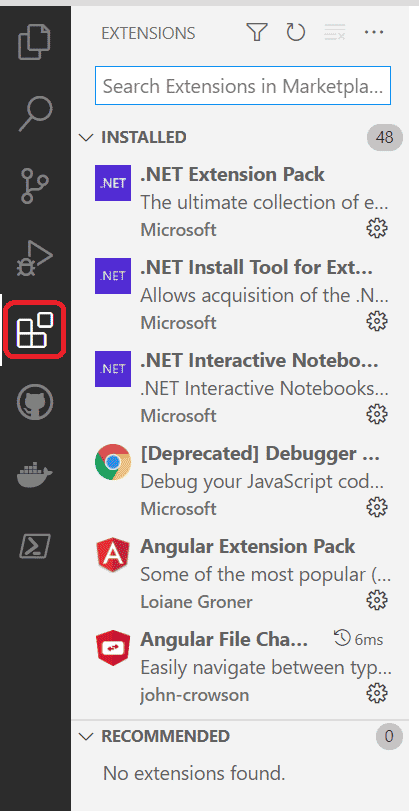
Search for GitHub Copilot in the Search bar as shown below:
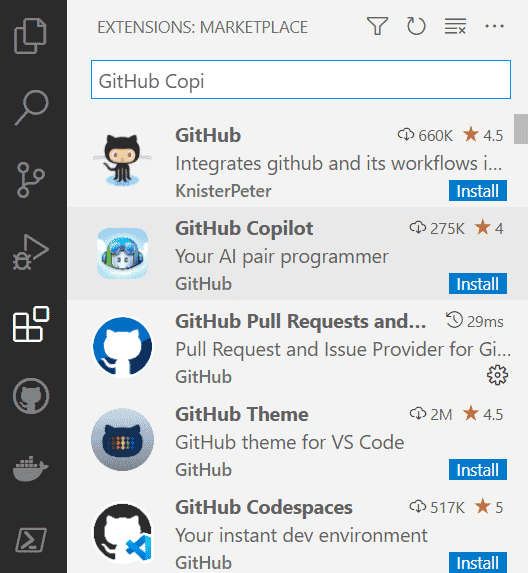
- Click Install to install the Extension.
- After the installation, Visual Studio Code will prompt you to sign in to access the GitHub
- Copilot technical Preview.
- Click Sign into GitHub. (Ensure you have a GitHub account; else you can create one here)

- Click Sign into GitHub. A Message Box appears prompting that the extension wants to sign into GitHub and that you must allow it
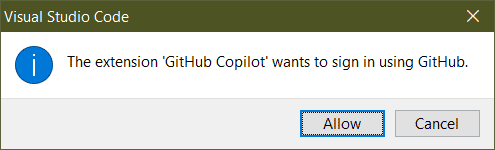
- Click Allow. A web page opens in your default browser, asking to Authorize Visual Studio Code to access GitHub.
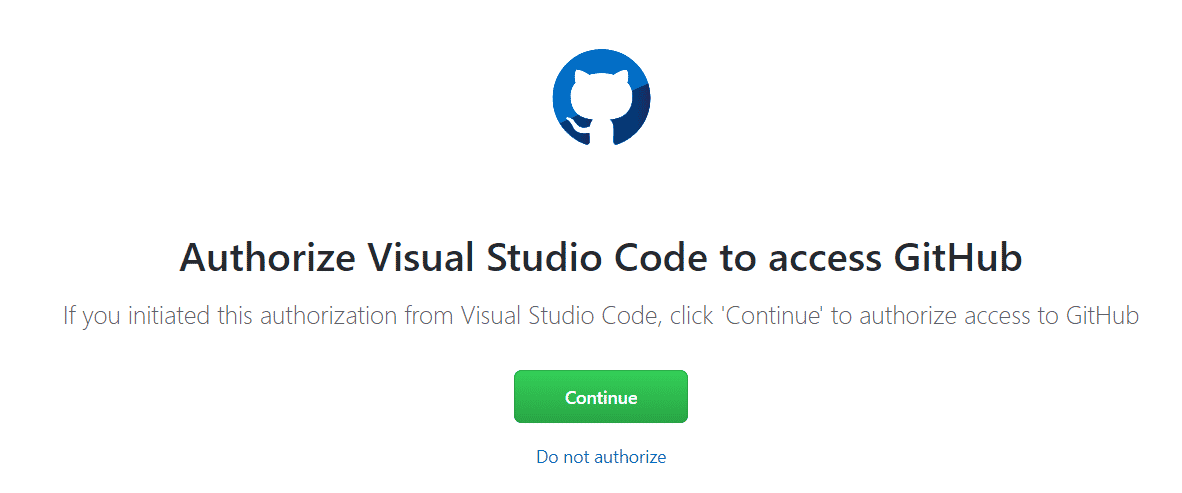
- Click Continue.
Read: GitHub Issues Adds New Features
This then opens another web page saying that the Authorization was successful and provides you with an Authorization token. In my case it gave me the following token with instructions of what to do next:
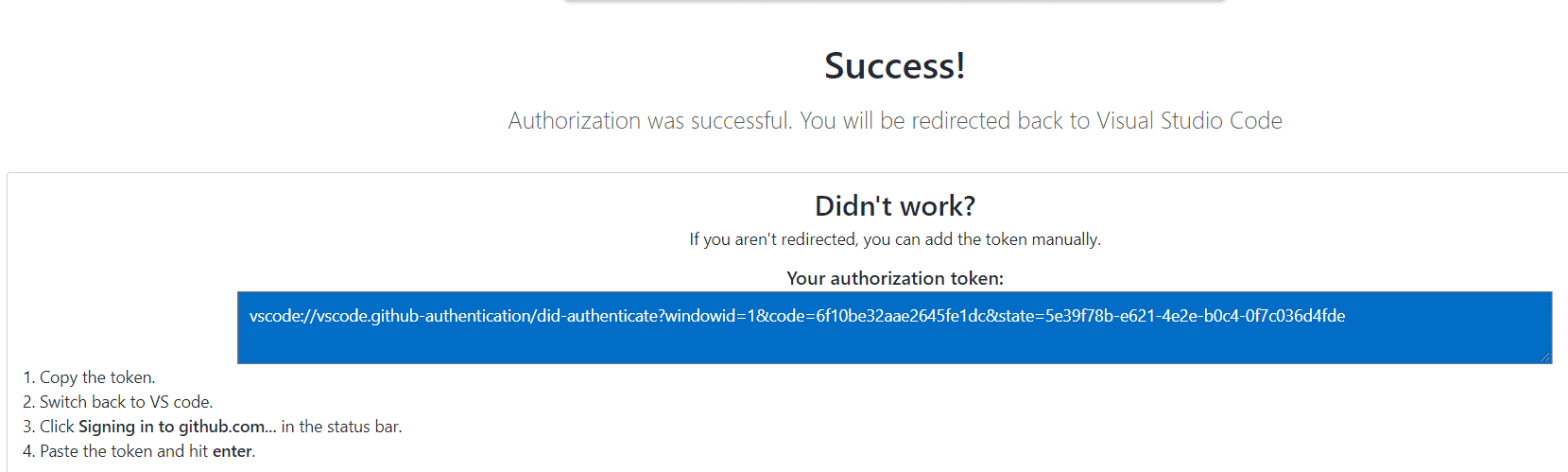
- Copy the Token, then sign into GitHub, with the given token.
How Do I Join the GitHub Copilot Waitlist?
Another prompt in Visual Studio Code will pop up mentioning the fact that you do not have access to GitHub Copilot and that you need to join the Waitlist.
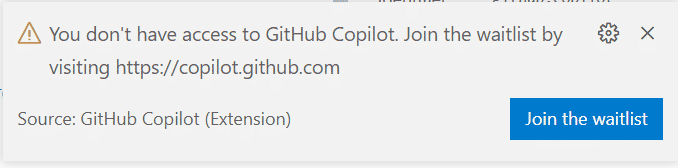
- Click on Join the waitlist
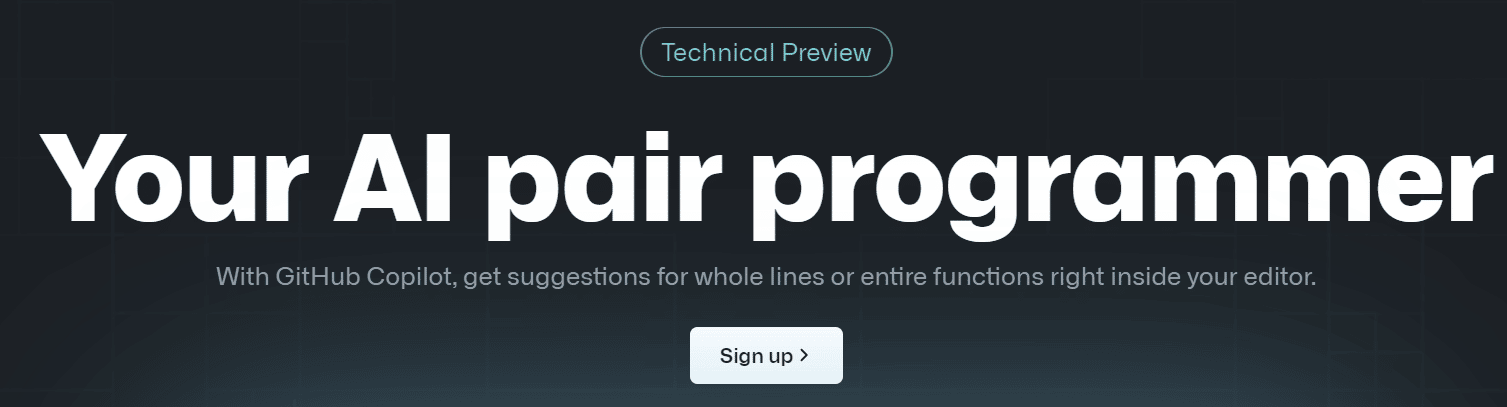
- Your default browser opens the following address: https://copilot.github.com/
- Click Sign up
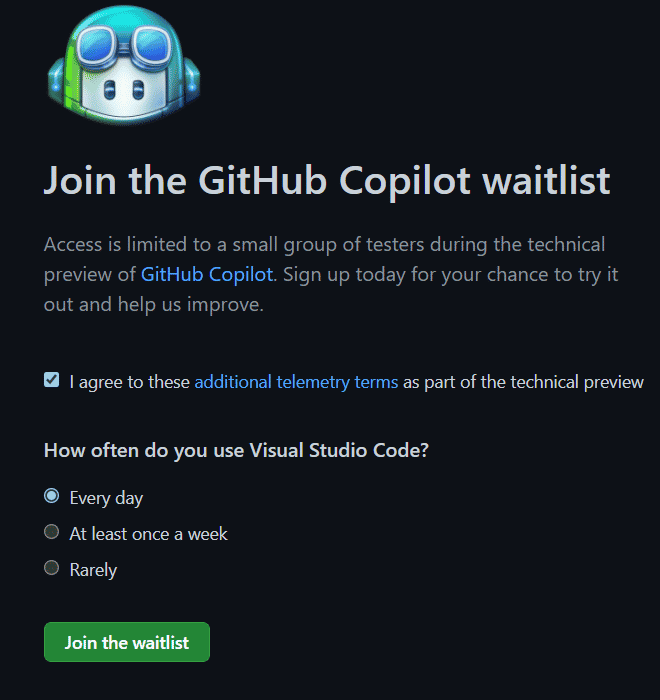
- Click the Checkbox to agree to the terms, and choose the option on the frequency of you using Visual Studio Code
- Click Join the Waitlist. GitHub must activate this on your account before you can start using it.
After you received confirmation that GitHub Copilot is enabled, in Visual Studio Code, create a new JavaScript file in the Folder you have opened earlier. In my case I have given the file a name of: JavaScript_Ex.js
Type the following line:
function calculateDaysBetweenDates(startDate, endDate) {
Press Tab.
Copilot should fill up the rest of the function by adding the following code:
  var oneDay = 24 * 60 * 60 * 1000;
  var date1InMillis = startDate.getTime();
  var date2InMillis = endDate.getTime();
  var days = Math.round(Math.abs(date2InMillis - date1InMillis) / oneDay);
  return days;
}
The entire function should now look like:
function calculateDaysBetweenDates(startDate, endDate) {
  var oneDay = 24 * 60 * 60 * 1000;
  var date1InMillis = startDate.getTime();
  var date2InMillis = endDate.getTime();
  var days = Math.round(Math.abs(date2InMillis - date1InMillis) / oneDay);
  return days;
}
Copilot may not always give the 100% correct code, but it is still learning as we type.