


Microsoft offers the Visual Studio platform to developers in the form of a full-bodied integrated development environment (IDE), along with its text editor counterpart. Beloved by many, the two offer different texture and features by which a developer writes code. While Visual Studio, the IDE, offers many of the robust features we know and love, Visual Studio Code is not a platform to discount without trial.
Visual Studio
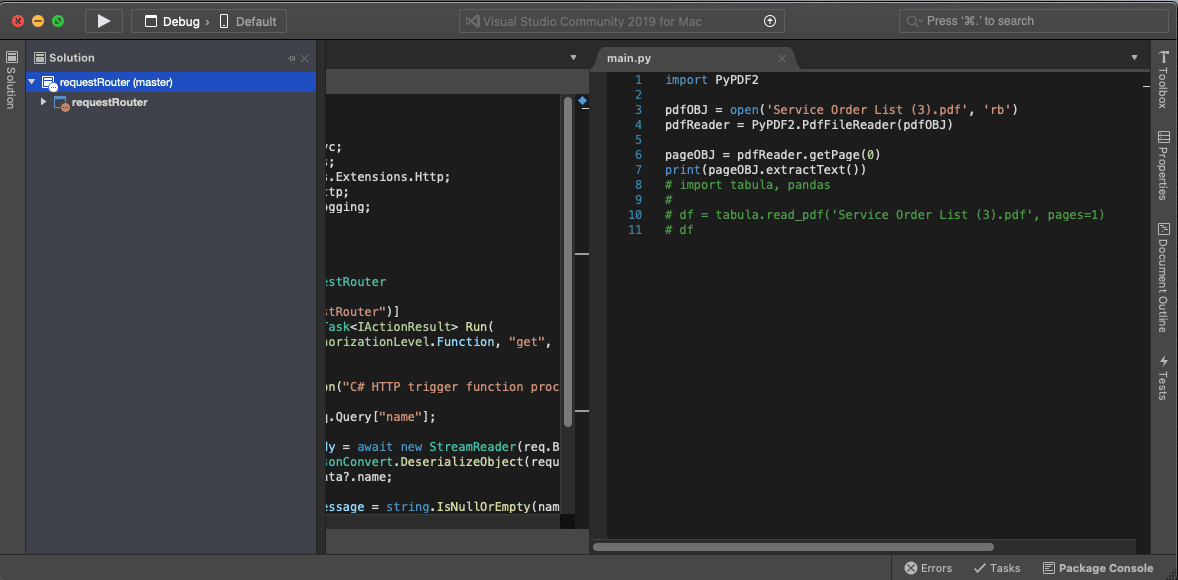
Microsoft’s IDE, Visual Studio, is produced for the community of C# and .NET developers, and for years now it has served that user base well. Although other stacks can make use of the IDE, the proprietary stack options of Microsoft are more heavily concentrated on this platform. Amongst the many traditional features of an IDE, Visual Studio also offers a bevy of options specific to the Microsoft ecosystem by its selection of Azure specific plugins. The ability to build and maintain .NET framework (not .NET Core) is another major selling point to Visual Studio, as there is very little competition for the vast coverage that Visual Studio offers. Visual Studio comes available to Windows and Mac users, however Mac users are more limited in their capabilities with the product. Check out these Visual Studio plugins!
Pricing: Community (Free), Business ($45/month), Enterprise ($250/month)
Features include:
- Build Environment and Output
- Debugging Tools and Break Points
- Project Builder for C# and .NET apps
- Azure Cloud integrations
- Project Explorer
- Test Development Integrations
- And much more
Visual Studio Code
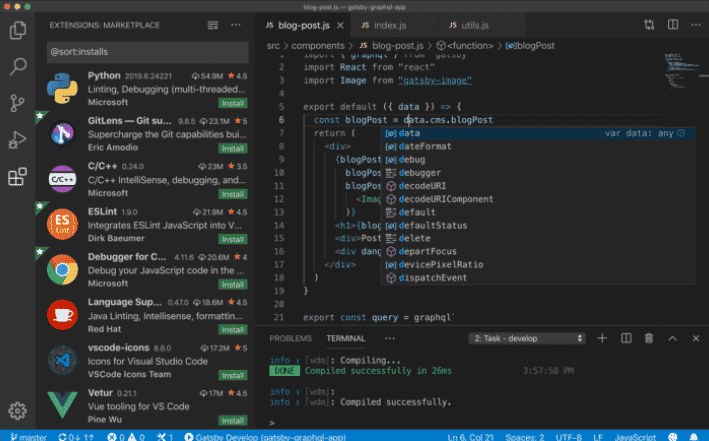
Visual Studio Code, on the other hand, is much more text editor-driven and offers customizations through plugins to craft a selective development environment for the developer. Coming out of the box as a smaller installation, VSC is in the neighborhood of Sublime Text, Atom, and even Text Wrangler, offering much of the same options. VSC would definitely benefit the developer coming from .NET/C# stacks, but who is branching into other common development stacks. It would also suit the user who is just getting started with development altogether. While servicing the .NET core community, VSC can be used for nearly every other language or framework that can be executed easily at the terminal or command line. Just like .NET Core, VSC is available across Windows, Mac, and Linux, and offers many different options for available plugins.
Pricing: Free
Features include:
- Open technology platform for cross-stack development
- Availability of Community and Professionally developed Plugins
- Cross Platform installation
- Debug Tools for Generic usage
- And more
The verdict
Although the audience for Visual Studio and Visual Studio Code are different, it can be said that they are highly correlated. And although VSC is limited in what it offers out of the box, it is highly sought after and just as powerful as the next text editor of choice. Visual Studio, the IDE, is loaded with features and comes with your build environment as well as full-length debugging tools for your C# and .NET apps (among others). Ultimately, while VSC can always be considered the Lite Version of Visual Studio, it is a formidable offering nonetheless meets the needs of many who don’t need a full IDE.