Introduction
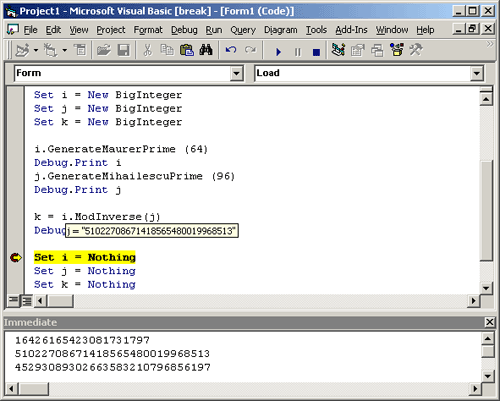
This article is simple a ‘How To’ in creating a COM object in Visual C++ for use in COM-aware languages such as Visual Basic. In addition, the library that is created is a Large Integer package. The underlying cryptographic code is Wei Dia’s Crypto++ (www.cryptopp.com).
Crypto++ has been NIST certified for those who are interested in authoring FIPS 140-2 conformant software. To enjoy the Certification, one must use the DLL version of the Crypto++ Library.
For those who are interested in other C++ Number Theoretic libraries, please see Peter Gutmann’s Cryptlib (www.cs.auckland.ac.nz/~pgut001/cryptlib) or Victor Shoup’s NTL (www.shoup.net/ntl).
Compiling and Integrating Crypto++ into the Microsoft Visual C++ Environment
Please see the related article, “Compiling and Integrating Crypto++ into the Microsoft Visual C++ Environment.” This article is based upon basic assumptions presented in the previously mentioned article. It also addresses most problems encountered with projects from Command Line to MFC projects (Errors C1083, C1189, LINK2001, and LINK2005).
Using the ATL Wizard to Create the COM DLL
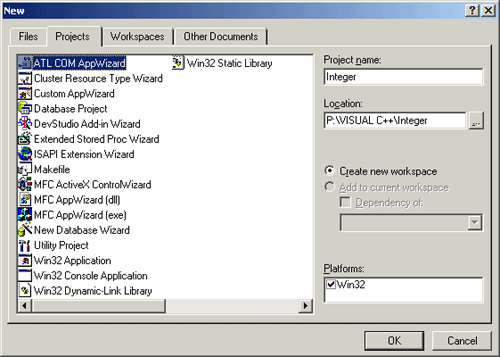
Open Visual C++ and select New ATL COM AppWizard Project.
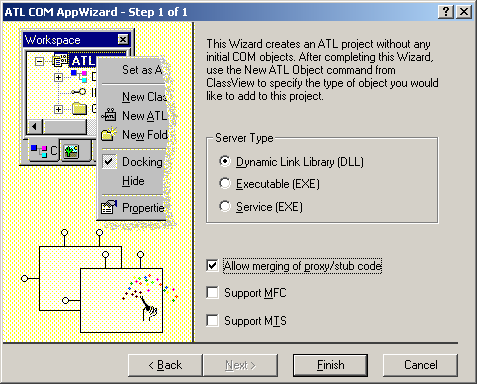
Next, click ‘OK’. At the final step, select a DLL, and allow merging of the Proxy/Stub code. At this point, the Wizard has created the framework of the COM object. If you want familiar Visual C++ favorites such as CString, check the ‘Support MFC’ box.
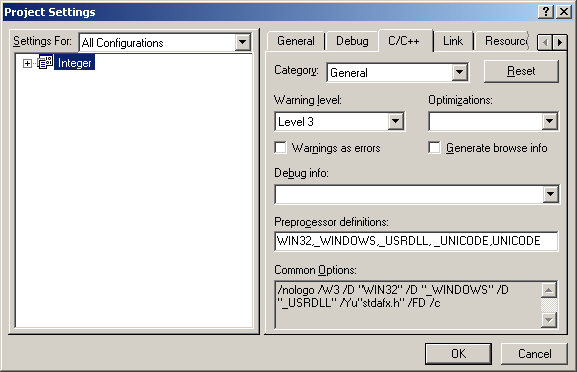
Select Project | Settings, C++ Tab. Under ‘Settings For’, Select ‘All Configurations’.
Remove references to ‘_MBCS’, and add ‘UNICODE’ and ‘_UNICODE’.
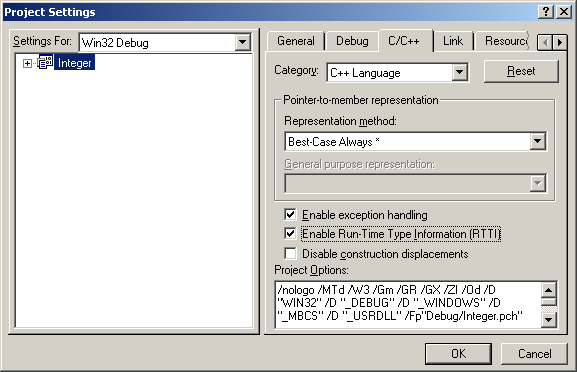
Under the ‘C++ Language’ Category, select ‘Enable Exception Handling’.
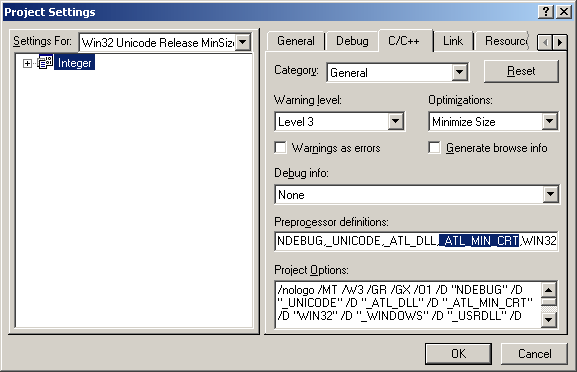
Remove the _ATL_MIN_CRT Preprocessor Definition from the Release Builds.
Add the following to stdafx.h::
#ifdef _DEBUG
#  pragma comment( lib, "cryptlibd" )
#else
#  pragma comment( lib, "cryptlib" )
#endif

#pragma warning( push, 3)
#include "integer.h"
#include "nbtheory.h"
#include "algebra.h"
#include "osrng.h"
#pragma warning( pop )

#pragma warning( disable : 4661 )

#ifndef VT_TRUE
#    define VT_TRUE (VARIANT_BOOL)-1
#endif

#ifndef VT_FALSE
#    define VT_FALSE (VARIANT_BOOL) 0
#endif

const HRESULT E_CRYPTOPP   = MAKE_HRESULT( SEVERITY_ERROR,
                                           FACILITY_ITF, 0x200+00);
const HRESULT E_BIGINTEGER = MAKE_HRESULT( SEVERITY_ERROR,
                                           FACILITY_ITF, 0x200+01);
Add a New ATL Object to the project. This is the interface that the COM client will use.
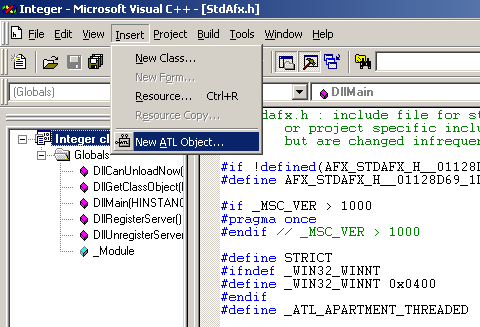
Choose a Simple Object.
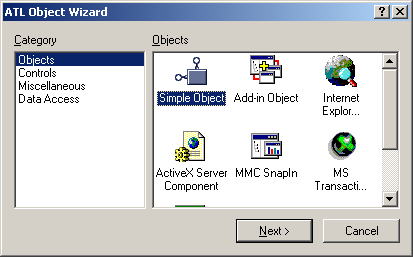
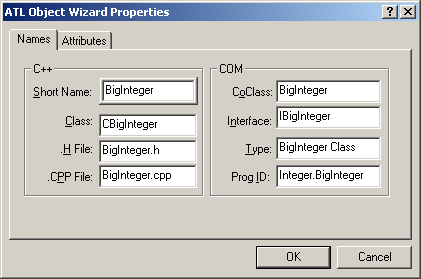
Name the object ‘BigInteger’.